
In today’s digital age, privacy tips for beginners are more crucial than ever. With the internet becoming an integral part of our daily lives, from social media to online banking, our personal data is constantly exposed to potential risks. Whether you’re just starting to use the internet or are a frequent user, understanding how to protect your privacy is essential. This article will guide you through the privacy tips for beginners that can help you safeguard your information and maintain control over your online presence.
Understanding the Basics of Online Privacy
Before diving into specific privacy tips for beginners, it’s important to grasp the fundamentals of online privacy. Simply put, online privacy refers to the ability of individuals to control their personal information while using the internet. This includes data such as your name, email address, location, browsing history, and even financial details.
When you create an online account, you often agree to terms that allow companies to collect and use your data. While this is convenient, it also means your information could be shared with third parties or stored indefinitely. Privacy tips for beginners should start with awareness—knowing what data you’re sharing and how it’s being used.
For example, many apps and websites use cookies to track your activity, which can reveal your preferences and even your location. By understanding these mechanisms, you can take proactive steps to minimize data exposure. Start by identifying which platforms collect your information and what they do with it. This foundational knowledge will make it easier to apply practical privacy tips for beginners.
Step-by-Step Privacy Tips for Beginners
Implementing privacy tips for beginners doesn’t have to be complicated. Here are some simple yet effective strategies to get you started on securing your data online.
1. Use Strong Passwords and Change Them Regularly
A strong password is your first line of defense against unauthorized access to your accounts. Beginners often use weak passwords, such as “password123” or “123456,” which are easy to guess. To improve security, create passwords that are at least 12 characters long and include a mix of uppercase letters, lowercase letters, numbers, and special symbols. Avoid using the same password across multiple accounts, as a breach in one account could compromise all others. Consider using a password manager like Bitwarden or 1Password to store and generate secure passwords. These tools not only help you remember complex passwords but also automatically update them when needed.
2. Enable Two-Factor Authentication (2FA)
Two-factor authentication adds an extra layer of security to your accounts. While a password is essential, 2FA requires a second form of verification, such as a code sent to your phone or a biometric scan, to access your account. This significantly reduces the risk of hackers gaining entry, even if they know your password.
Most major platforms, including email providers, social media accounts, and banking apps, offer 2FA as an option. Enabling this feature is a quick and easy privacy tip for beginners that can prevent unauthorized access. For instance, if a hacker manages to steal your password, they’ll still need your phone or a physical token to log in.
3. Be Cautious with Public Wi-Fi Networks
Public Wi-Fi networks, such as those found in cafes, airports, or libraries, are convenient but can be dangerous for your privacy. These networks are often unsecured, making it easy for cybercriminals to intercept your data, including login credentials and financial information.
To stay safe, avoid accessing sensitive accounts like email or online banking while on public Wi-Fi. If you must use these networks, encrypt your connection by using a Virtual Private Network (VPN). A VPN creates a secure tunnel between your device and the internet, protecting your data from prying eyes. Additionally, turn off Wi-Fi when not in use to reduce the risk of accidental data leaks.
4. Review Privacy Settings on Social Media Platforms
Social media is one of the most common places where privacy tips for beginners can make a big difference. Many users share personal information without realizing how it can be used. Take the time to review and adjust your privacy settings on platforms like Facebook, Instagram, and Twitter.
For example, set your profile to private so only approved followers can view your posts. Also, limit the amount of personal data you share, such as your birthdate, address, or phone number. Regularly check who has access to your information and revoke permissions for anyone no longer needed.
Common Mistakes to Avoid with Privacy Tips for Beginners
Even with the best intentions, beginners often make mistakes that can compromise their privacy. Identifying these errors will help you avoid them and reinforce the importance of privacy tips for beginners.
1. Reusing Passwords Across Accounts
As mentioned earlier, reusing passwords is a major security risk. If one account is hacked, all others using the same password become vulnerable. To prevent this, use unique passwords for each account and update them periodically.
2. Sharing Too Much Personal Information Online
Many beginners share more details than necessary when signing up for online services. For instance, providing your full name, address, or even your phone number can lead to targeted ads, identity theft, or spam. Limit the information you share, especially on platforms with a large user base.
3. Not Backing Up Your Data
Data loss can be devastating, whether due to a device malfunction or a cyberattack. Beginners often neglect to back up their information, leaving themselves exposed to irreversible consequences. Use cloud storage services like Google Drive or Dropbox, or external hard drives to store copies of your important files.
4. Using Free Email Services Without Caution
Free email services like Gmail or Outlook are convenient, but they may collect and share your data with third parties. Read the privacy policies of any service you use to understand how your information is handled. For maximum security, consider using a privacy-focused email provider like ProtonMail or Tutanota.
Tools and Services to Enhance Your Privacy
In addition to following privacy tips for beginners, using the right tools can significantly boost your online security. These resources are designed to help you manage and protect your data more effectively.
1. Password Managers for Secure Login
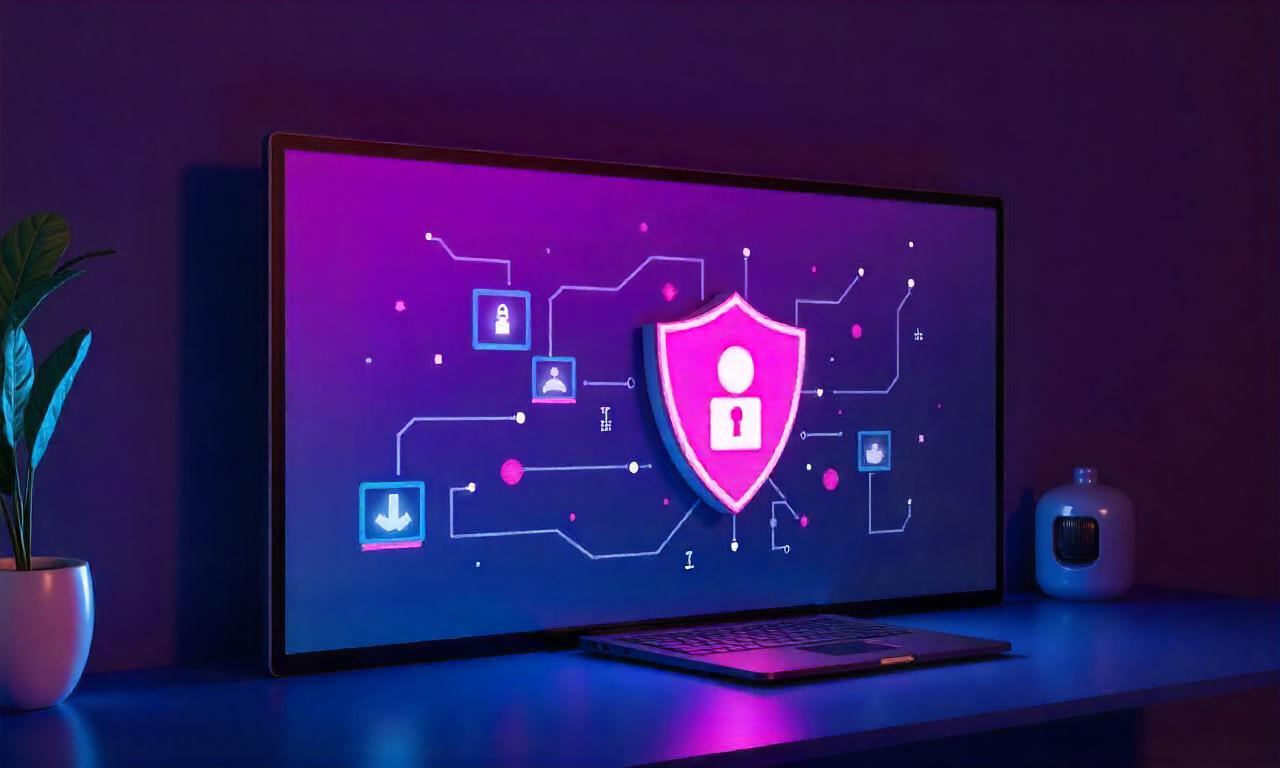
Password managers are essential tools for beginners to keep their online accounts secure. They store all your passwords in one place, making it easier to manage them without writing them down.
When choosing a password manager, look for features like encryption, cross-device synchronization, and the ability to generate unique passwords. Some popular options include Bitwarden, 1Password, and LastPass. These tools also offer biometric login options, further securing your access.
2. Virtual Private Networks (VPNs) for Secure Browsing
As highlighted in the previous section, VPNs are invaluable for protecting your data on public Wi-Fi. They encrypt your internet traffic and hide your IP address, making it harder for hackers to track your online activity.
Beginners can start with a budget-friendly VPN like NordVPN or Surfshark. These services offer robust encryption and a wide range of server locations, ensuring your data remains private regardless of where you’re browsing from. Additionally, VPNs can help you access content from different regions, which is useful for privacy and security.
3. Anti-Virus and Anti-Malware Software
Malware can steal your data, inject harmful code into your devices, or even take control of your accounts. Anti-virus software like Malwarebytes or Kaspersky can detect and remove these threats before they cause damage.
For beginners, installing anti-virus software is a simple privacy tip for beginners that can prevent infections. Regularly update the software to ensure it can detect the latest threats. Also, avoid downloading files from unknown sources, as they may contain malicious code.
4. Privacy-Focused Browsers and Extensions
Using a privacy-focused browser like Brave or Firefox can enhance your online security. These browsers block trackers by default and offer features like private browsing mode to keep your sessions secure.
Additionally, install browser extensions such as uBlock Origin or Privacy Badger to block ads and tracking scripts that collect your data. These tools are especially helpful for beginners who want to protect their data online without technical expertise.
Implementing Privacy Tips for Beginners: A Checklist
To ensure you’re following all the privacy tips for beginners, here’s a checklist to review your online habits.
1. Secure Your Accounts
– [ ] Use strong, unique passwords for each account. – [ ] Enable two-factor authentication where available. – [ ] Regularly update your passwords and account settings.
2. Protect Your Data
– [ ] Avoid sharing sensitive information on public networks. – [ ] Use a VPN for secure browsing. – [ ] Backup your data to prevent loss.
3. Limit Online Exposure
– [ ] Adjust privacy settings on social media platforms. – [ ] Be cautious about what personal details you share. – [ ] Use privacy-focused email services for added security.
4. Stay Informed and Up-to-Date
– [ ] Read the privacy policies of any service you use. – [ ] Install anti-virus and anti-malware software. – [ ] Use privacy-friendly browsers and extensions to block trackers.
By following these steps, you’ll create a solid foundation for protecting your data. Remember, privacy tips for beginners are not one-time actions but ongoing practices that require regular attention.
The Long-Term Benefits of Privacy Tips for Beginners
Adopting privacy tips for beginners today can lead to significant long-term benefits. For instance, consistent use of strong passwords and two-factor authentication reduces the likelihood of identity theft or financial fraud.
Moreover, limiting data exposure helps you avoid targeted advertising and potential misuse of your personal information. Over time, these habits become second nature, making it easier to maintain privacy in an increasingly connected world.
Another advantage is peace of mind. Knowing that your data is protected can help you feel more confident when using the internet. This is especially important for beginners who may be more susceptible to online threats.
Finally, privacy tips for beginners can save you time and money in the long run. Preventing data breaches and cyberattacks reduces the need for costly recovery efforts, such as changing passwords or contacting credit agencies.
Conclusion
Securing your data online is a critical step in the digital world, and privacy tips for beginners provide a practical roadmap to achieve this. By understanding the basics of online privacy, implementing simple security measures, avoiding common mistakes, and using the right tools, you can significantly reduce the risk of data breaches and identity theft.
Remember, privacy tips for beginners are not about perfection but progress. Even small steps, such as creating strong passwords or using a VPN, can make a big difference. As you continue to explore the internet, stay informed and adapt your strategies to stay ahead of evolving threats.
By following these privacy tips for beginners, you’ll be well on your way to protecting your data online and enjoying a safer, more private digital experience. Start today, and take control of your online footprint!